
15s · sound on
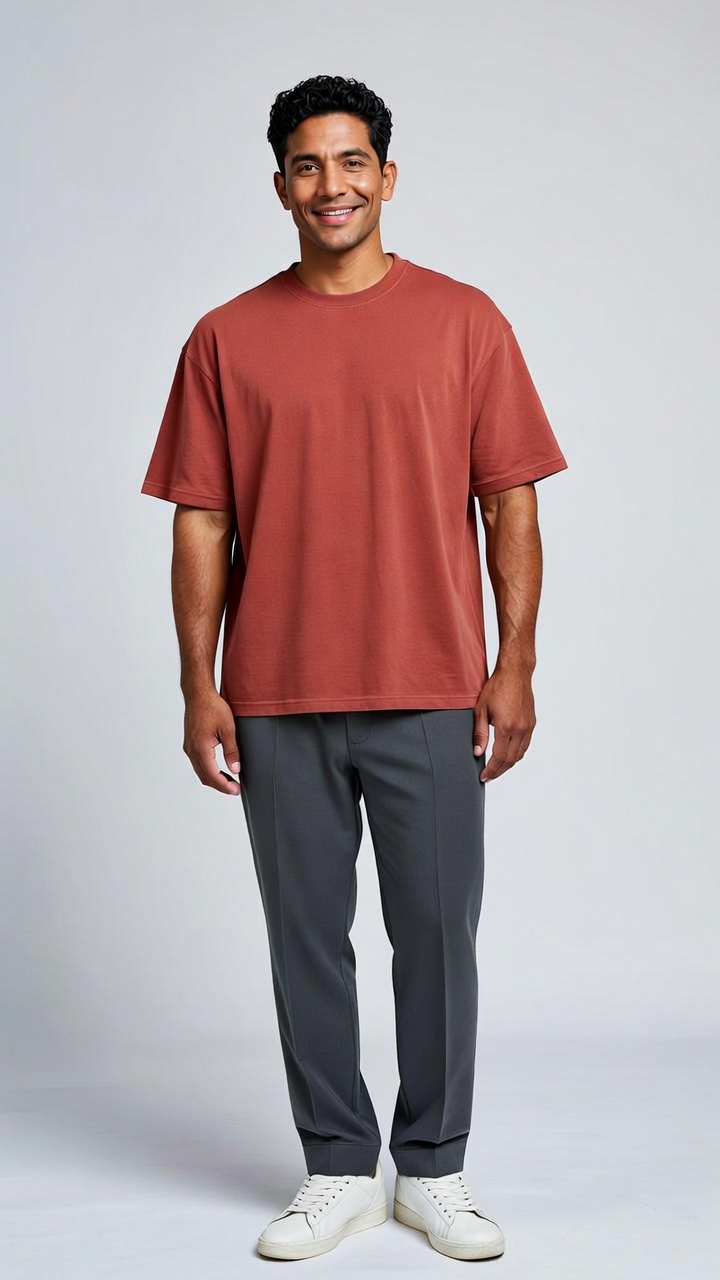
Source photo →Center performer
Your turn in the crowd
The red-lit entrance. The speaker. The reactions. Your photo becomes the lead.
Dame Hombro · Photo to video
Create a Bulin 47 AI video with Dame Hombro AI. Bring yourself or your pet into the freestyle — one photo, a new lead performer, and a crowd around you.
Step 1 · Who takes the lead?
Step 2 · Choose the scene
Your selected music is added automatically.
Failed renders are refunded automatically.
Template preview
Your turn in the crowd · 15s AI demo with sound
Your subject takes the center performer’s role.
15-second video · 9:16 vertical · MP4 with sound
01 People. Pets. Main characters.
The lead changes. The speaker, the red-lit entrance and the surrounding crowd give the scene its character. Watch with sound, then pick your role.
Switch music, then press play. Sound is already mixed into each preview.
Source photo →Center performer
The red-lit entrance. The speaker. The reactions. Your photo becomes the lead.
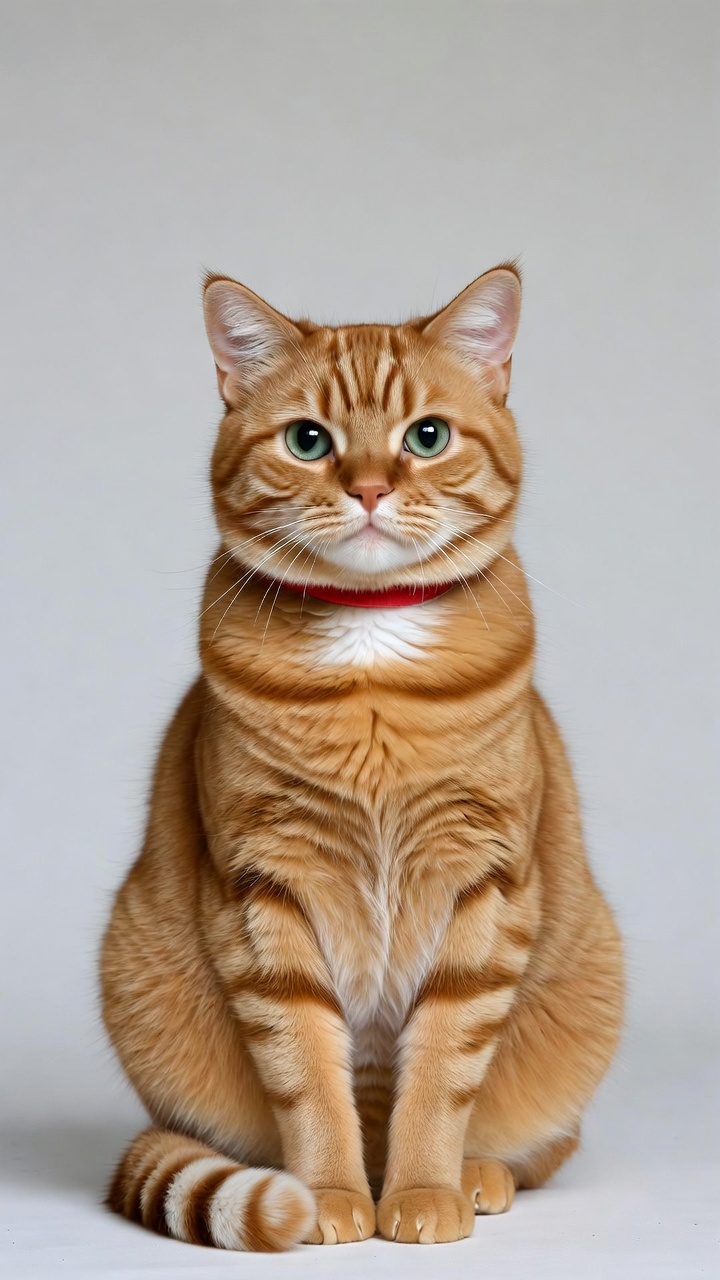
Source photo →Center performer
Same crowd, unexpected star. Your cat steps into the performer’s spot, paws and all.
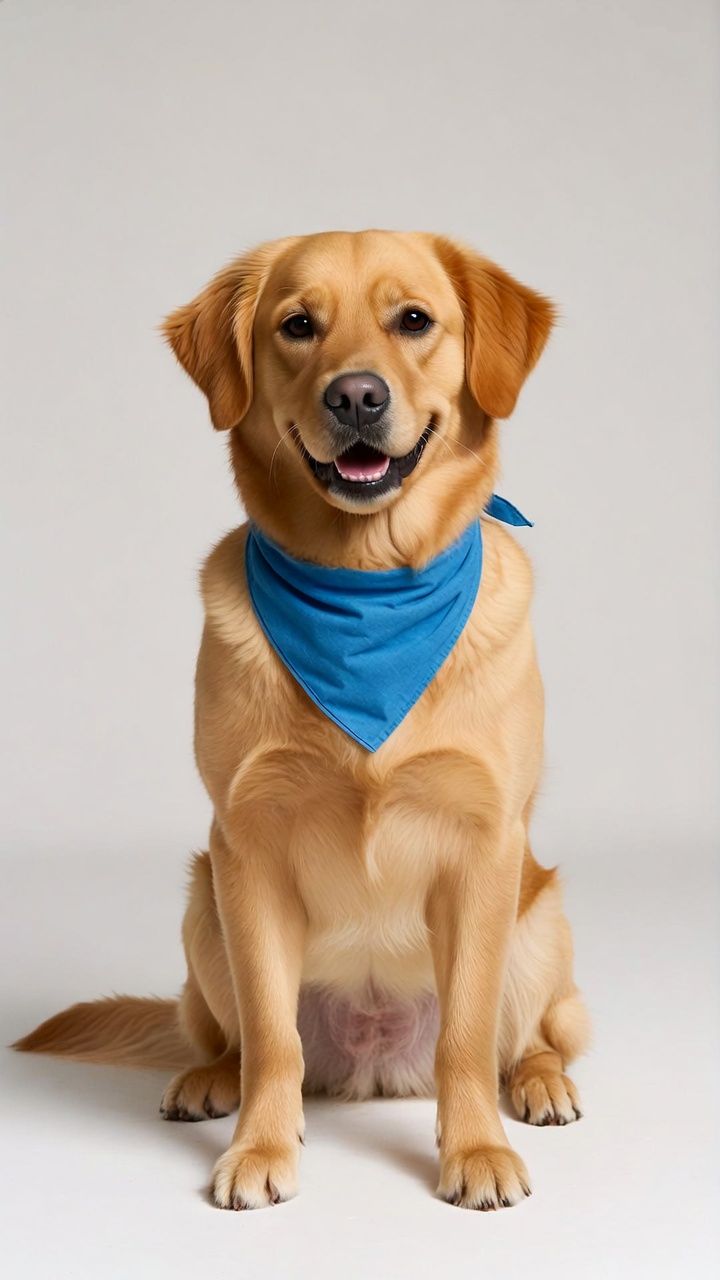
Source photo →Center performer
A familiar face, a very different entrance. Let your dog answer the crowd.
AI-created demos, with separately mixed soundtracks. The photo changes the featured subject’s appearance and body, not everyone in the scene. Generated movement and background details can vary.
A simpler solo shoulder groove on a clean backdrop.
A solo dance under warm street lights.
A solo dance in the afternoon sun.
02 From photo to feed
People: a clear half-body photo. Pets: a clear full-body photo. Use a photo you own or have permission to use.
Choose a person or pet example. Your subject becomes the featured performer, with the crowd and setting around them.
Music is added and your finished MP4 is saved automatically. Find it later in My videos.
Small details. Better videos.
Let the camera see you clearly. For a person, show the face and upper body. For a pet, show the whole animal so its coat, paws and tail can stay recognizable.
The deliverable
One video = 10 credits. Failed or blocked renders are refunded automatically. One-time payment, no subscription. Checkout is handled by Stripe.
Single
10 credits · 1 video(s)
Trio
30 credits · 3 video(s)
Crew
100 credits · 10 video(s)
03 Behind the hook
There’s more to it than a catchy sound. Get to know the phrase, the pronunciation and the story behind the shoulder move.
04 A few things to know
Yes. Choose a pet example and use one clear full-body photo. The featured performer becomes your pet, including its animal body and paws. The surrounding people remain part of the scene.
No. Your photo is used for the featured performer only. The setting and supporting crowd provide the context. Each video is newly generated, so motion and small background details can vary.
Yes. Use Preview soundtrack to switch between the street freestyle, a repeated crowd-response edit and an instrumental groove. Press play after switching. Each preview contains a single mixed soundtrack.
Photo-to-video tools can make this type of Bulin 47 AI video. With Dame Hombro AI, you upload a single picture, and the model animates you doing the freestyle. You don't need a video of yourself, editing software, or a prompt.
No. Renders are paid per video because each one costs GPU time. What we do offer: failed or blocked renders are refunded automatically, so you never pay for a video that didn't come out.
Three steps — upload one clear front-facing photo, choose your look, then download the MP4. Nothing else to install.
Usually 4–12 minutes. You can close the tab; the finished video waits for you when you come back signed in.
Yes. Your selected soundtrack is added automatically before download.
No. This is an independent tool with no connection to Bulin 47, Kevin Wai, or their label.
No. Only your own photo, or one from someone who has given you permission. We don't accept celebrities, public figures, or anyone under 18.
Try a sharper, more front-facing photo without sunglasses. Failed or blocked renders return their credits. A completed video with a different likeness is not automatically refunded; check our refund policy before ordering.